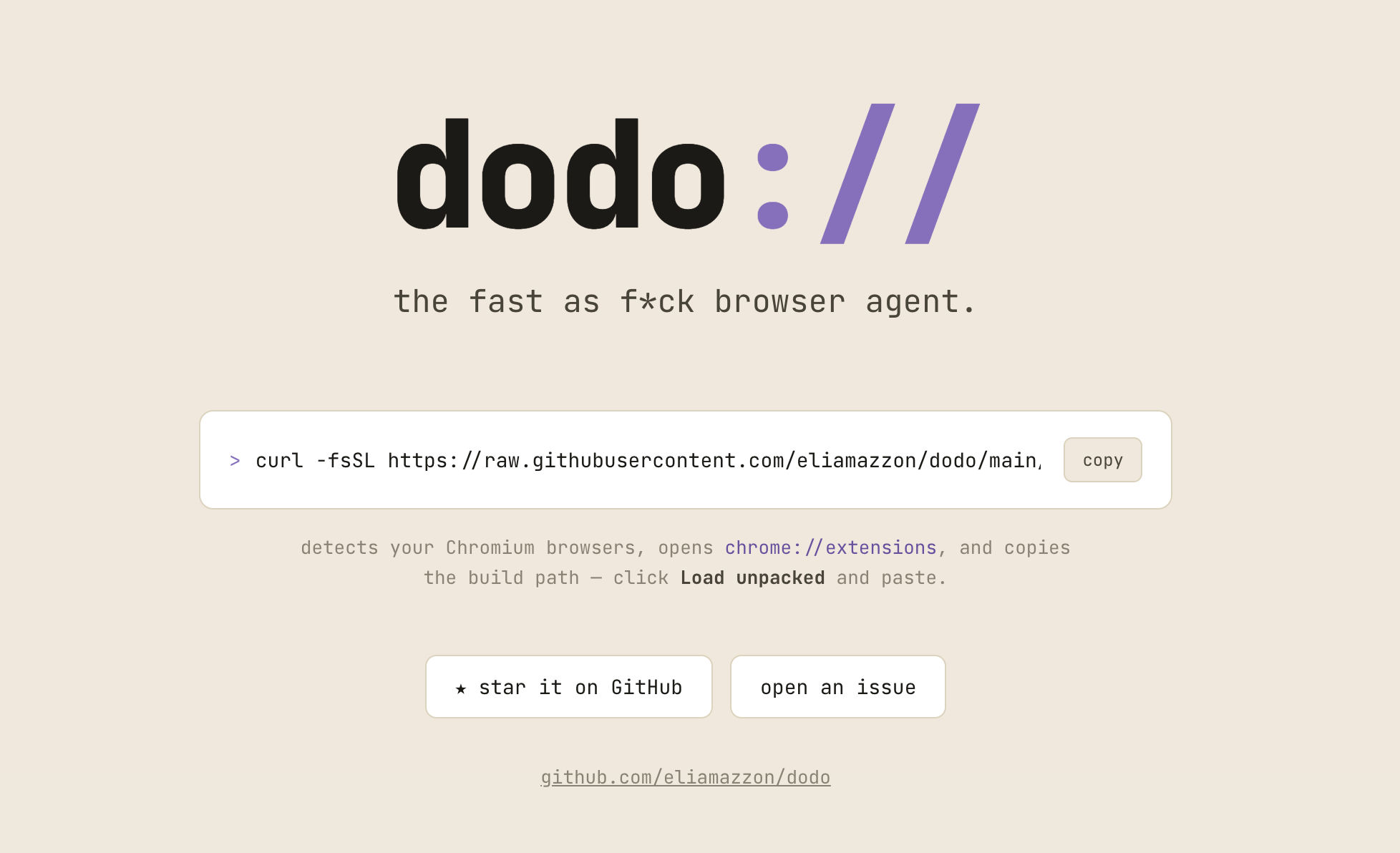
DODO is an open-source browser agent that lives in Chrome’s side panel. You describe a task in plain English, and it works through the page using browser tools. I built it around a practical question: how much browser work can an agent do without repeatedly sending an entire page to a model?
Keeping the agent loop small
The extension uses a single orchestration loop. Interactive elements receive short references, and browser actions return changes to the page so the agent can continue from a diff rather than request another full snapshot. When it needs more context, it can inspect a specific part of the page.
That design makes context management part of the application architecture. The goal is to reduce redundant model input and round trips while keeping actions grounded in the current page.
Browser control with boundaries
DODO supports permission modes and site allowlists. Its browser tools operate on the starting tab and tabs created during the task. Onboarding, model settings, conversation history, and permission requests live in the extension rather than a separate web application.
I also built a browser evaluation harness that attaches to the extension through the Chrome DevTools Protocol. It provides a way to exercise tasks in a real browser instead of relying only on isolated tool tests.
What I built
The project brings together the agent runtime, browser instrumentation, permission handling, local persistence, and a React side-panel interface. It uses a bring-your-own-key model, with Gemini support, and is available as public source code.
Stack: TypeScript, React, Chrome Extension Manifest V3, Dexie, Chrome DevTools Protocol.